Domain safety guide
Is Streamex.net Safe? Check the Domain Before You Download
Searches for Streamex.net, Streamex.sh, Streamex net TV, and similar domain variants usually mean you are deciding whether a website is connected to the Streamex app or safe enough to use. This guide compares those domains against app-store evidence, APK metadata, TV claims, and safer download paths.

Quick answer
Is Streamex.net or Streamex.sh a safe APK source?
Do not treat a domain as official only because it contains the Streamex name. Streamex.net, Streamex.sh, spacing variants such as Streamex .net, and path-style searches such as Streamex.net/tv should be checked against visible evidence: app name, developer, package ID, store listing, version history, screenshots, permissions, and the way the download is delivered. If a search result uses the word APK, treat it as a source-verification question rather than a download recommendation. A domain can copy a package name or redirect visitors without proving a connection to the app.
Keep the domain question separate from the app question. If you want the normal Streamex app, start with the main download guide and public store listings. If you want to verify an APK, compare package metadata before installing. If you want a living-room setup, use the TV or Firestick guide instead of trusting a page title that says TV.
Compare domains
How to compare Streamex.net, Streamex.sh, and similar domains
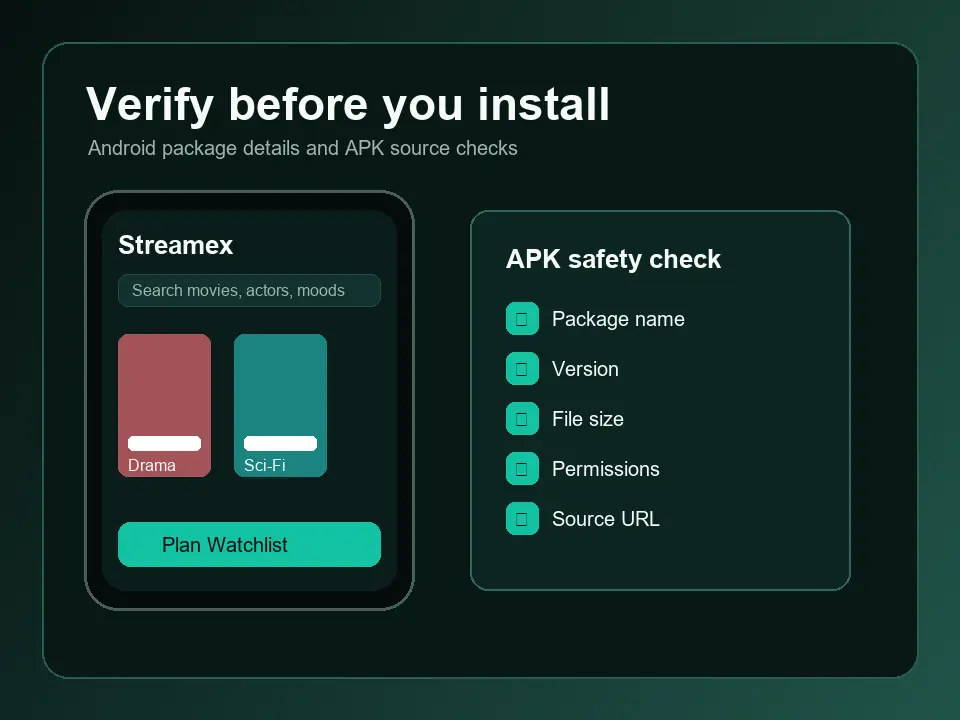
Start by writing down what the page claims to be: app download page, TV page, streaming site, APK index, guide, or unrelated brand using a similar name. Then compare that claim with concrete app evidence. Android pages should show package name, version, size, Android requirement, screenshots, and a clear file source.
Treat mismatches as a stop sign. A page that switches from Streamex.net app to a Windows installer, asks for browser extensions, hides the final host, or advertises premium full movies may be serving a different intent from the Streamex movie discovery app.
| What you see | Likely intent | Best action |
|---|---|---|
| streamex.net or streamex .net | Domain identity or app-source check | Compare store listings and package metadata before trusting it. |
| streamex.sh | Short-domain or mirror-style source check | Look for ownership, version history, and transparent final file source. |
| streamex.net/tv or streamex net tv | TV compatibility claim | Use the TV guide and verify launcher, remote, and Android TV support. |
| Streamex EXE, DMG, or browser extension | Desktop installer claim | Avoid unless an official source confirms a desktop app. |
APK and TV claims
Why Streamex.net app and Streamex net TV claims need extra checks
Domain variants often appear beside searches for app, APK, TV, Firestick, or free streaming. Those modifiers change the risk. An APK claim requires file identity checks. A TV claim requires device compatibility checks. A free streaming claim may be a legal and safety red flag if the page gives no transparent source.
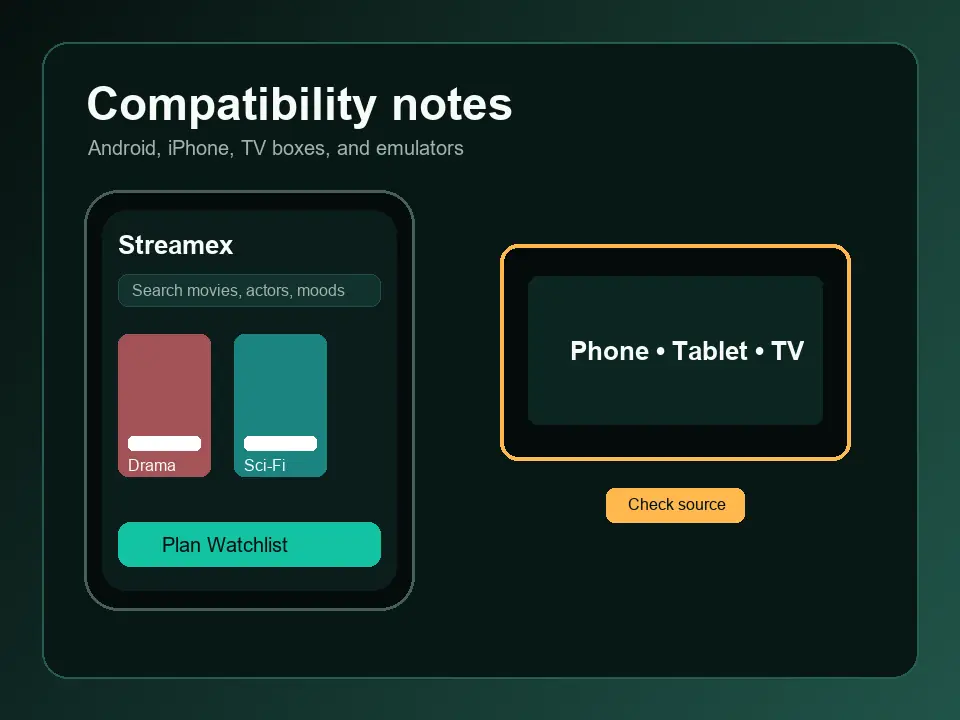
For Android packages, compare package ID, developer, version, file size, update date, screenshots, permissions, and hash information where available. For TV pages, check landscape layout, D-pad navigation, launcher visibility, and Android or Fire OS version support.
Safety checklist
Red flags before using a Streamex domain result
A trustworthy source makes verification easy. A risky source pushes urgency, hides ownership, or turns a simple app check into several unrelated installs. Be careful with claims such as latest version, unlocked streaming, premium free access, or universal TV APK without basic evidence.
If you already downloaded from a suspicious domain, stop testing more files from the same source. Remove the app, scan the device, disable unknown-source installs, and return to a source where identity details are visible before download.
- No package ID, developer, version, size, or Android requirement is visible before download.
- Multiple buttons lead to different hosts or unrelated app names.
- The site asks for accessibility, SMS, contacts, device admin, or payment access.
- A TV page does not explain remote navigation, launcher support, or Fire TV limitations.
- The page offers EXE, DMG, extension, codec, or helper installers for a mobile app query.
- The domain appears to be a typo, clone, or unrelated business using similar wording.
Safe workflow
What to do after searching for Streamex.net or Streamex.sh
Choose the next page based on your real task. Use the main guide for normal Android and iOS checks, the APK guide for package safety, the website guide for broad source types, and the TV or Firestick guides for living-room devices.
Keep the Streamex.net or Streamex.sh query as an identity check, not as a command to install. The best outcome may be deciding not to use a domain because it cannot show enough evidence.
- Start with public listings Compare app-store or package evidence before a mirror download.
- Match the exact product Check name, developer, package ID, screenshots, version, and permissions.
- Follow the right device guide Use APK, TV, Firestick, or PC guidance instead of a generic domain page.
- Stop when evidence conflicts Do not install if the page and app metadata describe different products.
- Clean up after any test Remove failed builds and turn unknown-source permissions off again.
References
References for safer app and domain checks
Use these references to understand app safety signals. They do not certify any third-party Streamex domain.
FAQ
Streamex.net and Streamex.sh FAQ
Is Streamex.net safe?
You should verify it before trusting it. Check ownership signals, app identity, package metadata, permissions, and download behavior. Do not rely on the domain name alone.
Is Streamex.sh official?
A .sh domain can be legitimate or unofficial. Treat it as a source to verify, not as proof of official status.
What does Streamex.net/tv mean?
It usually signals a TV-related search intent, but it does not prove TV compatibility. Check Android TV or Fire TV behavior separately.
Should I install a Streamex APK from a domain result?
Only after matching package ID, developer, version, file size, permissions, and source reputation. Avoid files that hide metadata or redirect through unrelated hosts.
Why make a separate Streamex.net page?
Search volume and intent point to domain-specific verification, which is narrower than the broad Streamex website guide and should not be mixed with general app download instructions.