Movie download and offline viewing guide
Can You Download Movies on Streamex?
The short answer is: do not assume Streamex gives you a built-in offline movie downloader. Public listings describe a movie and TV discovery app, while actual playback, saving, subtitles, and downloads may depend on the source you open and the device you use.
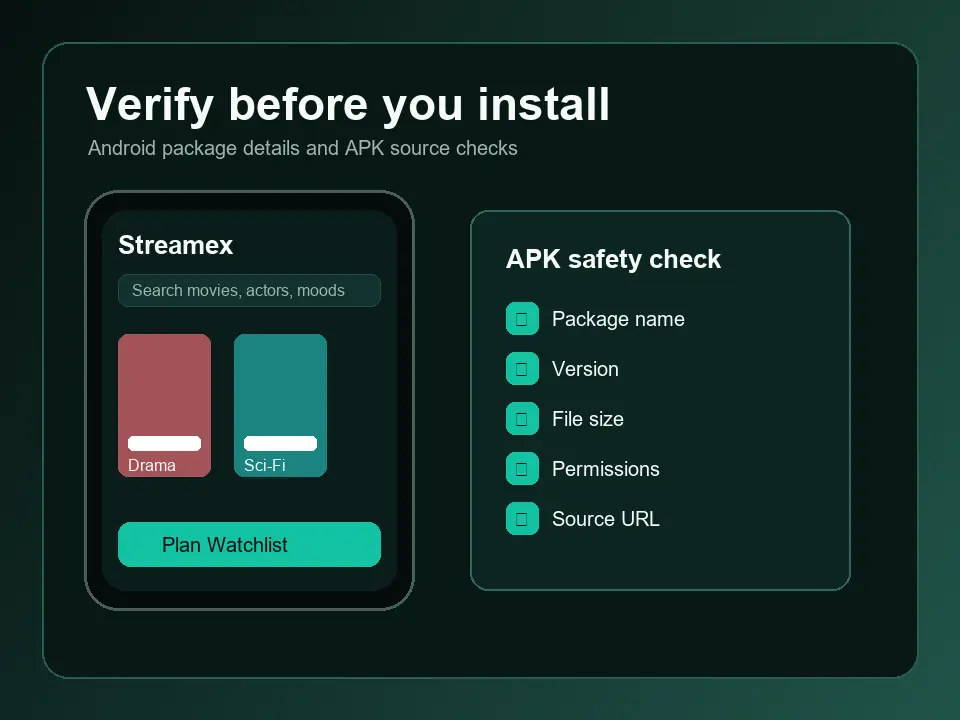
Quick answer
Streamex is not automatically an offline movie downloader
If you are asking whether you can download movies on Streamex, separate three ideas before installing anything: downloading the Streamex app, saving a movie to a watchlist, and downloading a full movie file for offline playback. Those are not the same action. The public app-store style descriptions around Streamex focus on discovering movies and TV shows, checking trailers, building lists, and deciding what to watch next. That does not prove every movie can be downloaded inside the app.
A safe answer is source-first: if the active video source, embedded player, or official service page shows a Download, Offline, Save for later, or Available offline control, then that specific title may support offline use under that source's rules. If the player only shows a trailer, watchlist, rating, or external source link, there may be nothing to download from Streamex itself. Installing another APK because a page says it unlocks movie downloads is a high-risk shortcut.
This page is distinct from the main APK and iOS guides. The APK guide answers where a package came from and how to compare version details. The iOS guide answers App Store availability. This guide answers a narrower question: what should you believe when a page, video, or forum post says Streamex can download movies?
Source evidence
What the current Streamex listings actually support
The version freshness check for this update found no reason to change the site's existing app facts: the App Store listing still presents an iOS app around movies and TV with version 3.0 and a 42.8 MB size, while the Android metadata reference used by this site continues to show package com.streamex.streamexoffecial, version 7.0, 16.47 MB, updated March 21, 2026. These facts help you identify the app; they do not create a guarantee that full films are downloadable.
Store descriptions are useful because they reduce guesswork. They show the app name, platform, version, size, compatibility, and source link. They are less useful for claims made by third-party pages about unlocked libraries, premium servers, or offline movie files. When a claim is stronger than the store listing, require stronger evidence: an in-app control, a provider policy, a title-level offline label, or an official support note.
| Claim you see | What it may mean | Best next step |
|---|---|---|
| Download Streamex | Install the app from a store or package source. | Verify version, package, developer, and file size first. |
| Save to watchlist | Bookmark a title inside the app. | Do not treat this as an offline movie download. |
| Watch trailer | Play a preview or embedded video. | Use the embedded player's controls for captions or quality. |
| Download movie | Possible only if the active source supports offline viewing. | Confirm the title-level control and provider rules before relying on it. |
Use case
How to tell saving, streaming and downloading apart
A watchlist is a planning tool. It stores a reference to a title you may want to watch later. Streaming means a player fetches video while you watch. Offline download means a licensed source stores a playable copy on your device for a limited time. Many apps use words like save, add, download, watch, stream, and open source in ways that look similar on small screens, so slow down before tapping a file button.
If Streamex opens an external provider, that provider decides whether downloads are allowed. Some providers allow mobile offline downloads only for paid accounts, only inside their own app, only in certain regions, or only for selected titles. If you are using a web player, Android TV box, emulator, or unofficial package mirror, the offline option may disappear even when it exists somewhere else.
| Action | Where it usually appears | Offline movie file? |
|---|---|---|
| Add to watchlist | Title page or account screen | No, it is a bookmark. |
| Play trailer | Embedded video player | No, it is usually a preview stream. |
| Open source | Provider or external service button | Only if that source offers offline viewing. |
| Download APK | Android package page | No, it installs the app, not a movie. |
Device checks
Phone, TV, Firestick and PC checks before you search for another build
On iPhone, trust the App Store listing first and check the in-app or provider player for any offline control. On Android, compare the package name and version before sideloading. On Android TV, Fire TV, Google TV, or TV boxes, a phone-style APK may show the same catalog but hide or break player controls because the remote cannot reach them. On PC emulators, the app is still an Android app, so a desktop installer is not automatically safer or more capable.
If your real problem is subtitles, no playback, a blank player, or a down domain, use the focused guides instead of changing APK sources blindly. Subtitle and playback controls belong to the current source. Domain and mirror questions belong to the website safety guide. Status confusion belongs to the what-happened guide.
Safety
Avoid APKs that promise full movie downloads without proof
Movie download searches attract risky pages because they promise a stronger feature than the verified listings prove. Be especially careful with pages advertising Streamex movie downloader, premium unlocked APK, offline movie server, no-ads mod, or desktop download manager. A file can use the Streamex name while still being unrelated, outdated, modified, or bundled with permissions that have nothing to do with movie discovery.
A useful download page should show exact package identity, version, size, update date, developer, permissions, screenshots, and the final source before you install. If those fields are hidden, mismatched, or replaced by countdown buttons, the right action is no action. Use official store pages where possible, and treat third-party APK indexes as research references rather than proof of safety.
- Do not install an APK only because it says movies can be downloaded offline.
- Avoid EXE, DMG, codec, browser-extension, or downloader files that borrow the Streamex name.
- Compare package names before updating from a different source.
- Keep unknown-source installs disabled again after any Android sideload.
- Use watchlists and trailers as planning tools unless the source clearly supports offline viewing.
Verified sources
Version and source checks used for this guide
Checked on July 9, 2026. These sources verify app identity and listing facts; they do not certify third-party movie-download claims.
FAQ
Can You Download Movies on Streamex? FAQ
Can you download movies on Streamex for offline viewing?
Only if the active source or player clearly offers an offline download option for that title. The public app facts support app identity, not a blanket guarantee that every movie can be downloaded.
Is downloading the Streamex APK the same as downloading movies?
No. An APK installs the Android app. It does not include movies and does not prove that offline playback exists.
Why do some pages say Streamex has movie downloads?
Some pages mix app installation, watchlists, streaming, and offline downloads into one claim. Require a visible title-level download control or an official source before trusting it.
Can I download Streamex movies on Firestick or Android TV?
TV devices may run a compatible Android build, but offline movie downloads still depend on the source and player. A sideloaded phone APK may also make controls harder to reach.
What is the safest next step if I only want offline movies?
Use a provider that explicitly supports legal offline viewing in its own app. Do not install modified Streamex builds or desktop downloaders that promise unlocked movies.