Android APK guide
Streamex APK: Safe Android Download and Install Guide
A Streamex APK search usually means you want the Android app but need to know which source to trust, whether a phone package fits your device, and what to check before allowing an unknown-source install. This guide explains the safe workflow without hosting APK files or promising that every mirror is legitimate.
Quick answer
What should you know before downloading a Streamex APK?
Start with the safest source you can verify. If Streamex is available from Google Play for your country and device, use that listing because it gives you package identity, update handling, app metadata, and Play Protect checks in one place. If the Play Store does not show a compatible listing, do not treat the first APK page in search results as official by default. APK search results often mix real app indexes, expired mirrors, typo domains, unrelated streaming brands, and files that reuse a familiar name.
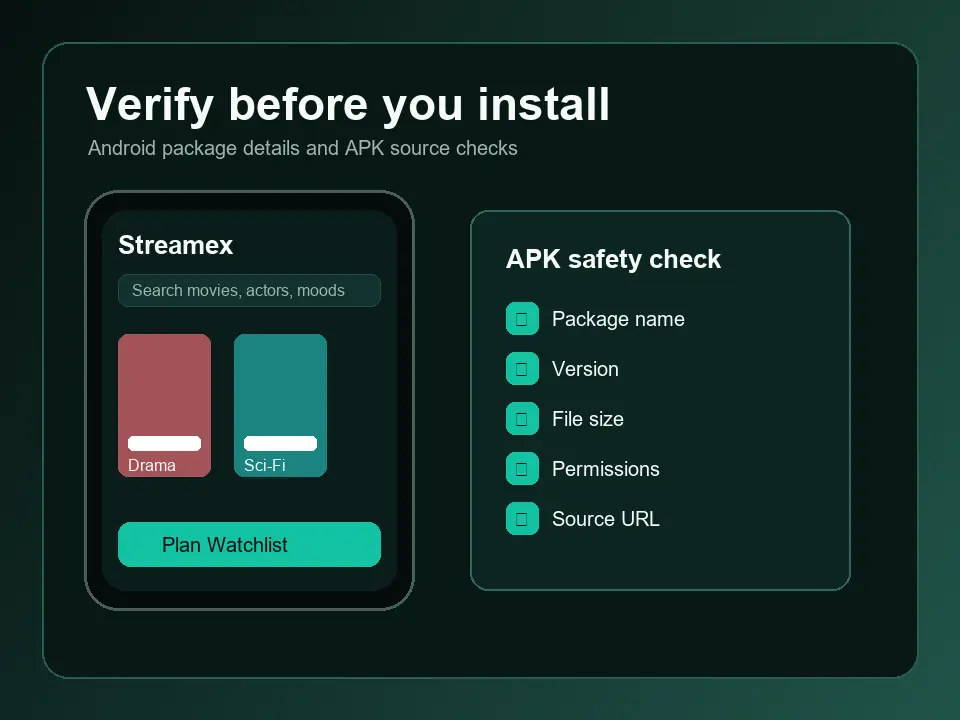
A good Streamex APK decision is based on evidence, not on a download button. Compare the exact app name, developer, package ID, version, file size, update date, required Android version, screenshots, and permission list. A source that cannot show these details is weak, even if it uses phrases like latest version, official APK, or free download in the title. This page does not host a Streamex APK; it gives you a repeatable safety process for Android phones, tablets, and Android-based TV boxes.
Keep the search intent separate from the TV setup page. The TV guide focuses on Android TV, Google TV, smart TV compatibility, remote navigation, and launcher behavior. This Android APK guide focuses on phone and tablet installs: where to check source credibility, how to use Play Protect, how to manage unknown-source permissions, which warning signs to avoid, and how to handle common install errors without installing extra risky helper apps.
Search intent
When to use the Streamex APK guide instead of TV or PC pages
This guide is for Android phone, tablet, and Android-based box users who need to verify a package file before installing it. The core task is source trust: package name, developer identity, file size, version history, permission requests, scanner warnings, and whether the source looks like a real app index rather than an ad-heavy mirror.
Do not use APK advice as a shortcut for every device. A TV setup has extra questions about remote controls, launcher activities, screen orientation, and smart TV operating systems. A PC setup has emulator, Chromebook, EXE, DMG, and browser-extension risks. If the file source is clear but the device is wrong, switching APK mirrors will not solve the problem.
The safest Android install path is still a compatible store listing. When you cannot use one, treat any APK as a file to investigate before installation, and turn unknown-source access off again after the test.
| Need | Use this page if | Use another page if |
|---|---|---|
| Android phone install | You are checking a Streamex APK file for a phone or tablet. | You need TV remote or launcher guidance. |
| TV APK question | You only need package safety checks. | You need Android TV, Google TV, or smart TV compatibility advice. |
| PC install question | You are verifying an APK before emulator testing. | You are deciding between Windows, Mac, Chromebook, or browser routes. |
| App replacement | You want safety checks before trying Streamex. | You want alternative movie and TV discovery apps. |
Source choice
Where should you look for a Streamex APK or Android app?
Use source quality as your first filter. A store listing or a well-structured app index should show consistent identity details and make it clear whether the app is for Android phones, Android TV, or another device class. When a page only offers a generic file button, hides the final host, or claims to work on every Android device, slow down and compare it against other sources before downloading.
For Android users, the practical source order is: official store listing first, trusted app index second, and random mirror last. The further you move from a store listing, the more checks you need to perform yourself. You are not only asking whether the file installs; you are asking whether it is the same app you meant to install, whether it has been modified, and whether the permissions match an entertainment discovery app.
| Source type | Use it for | What to verify |
|---|---|---|
| Google Play listing | Best first check when your device and region are supported | Package name, developer, update date, screenshots, permissions, and whether Play Protect allows the install. |
| Reputable APK index | Cross-checking version metadata when Play is unavailable | Same package ID, consistent file size, clear version history, Android requirement, and no forced installer bundle. |
| Unknown mirror or typo domain | Last-resort research only | Avoid if it hides details, redirects repeatedly, asks for unrelated permissions, or promises premium streaming. |
Verification
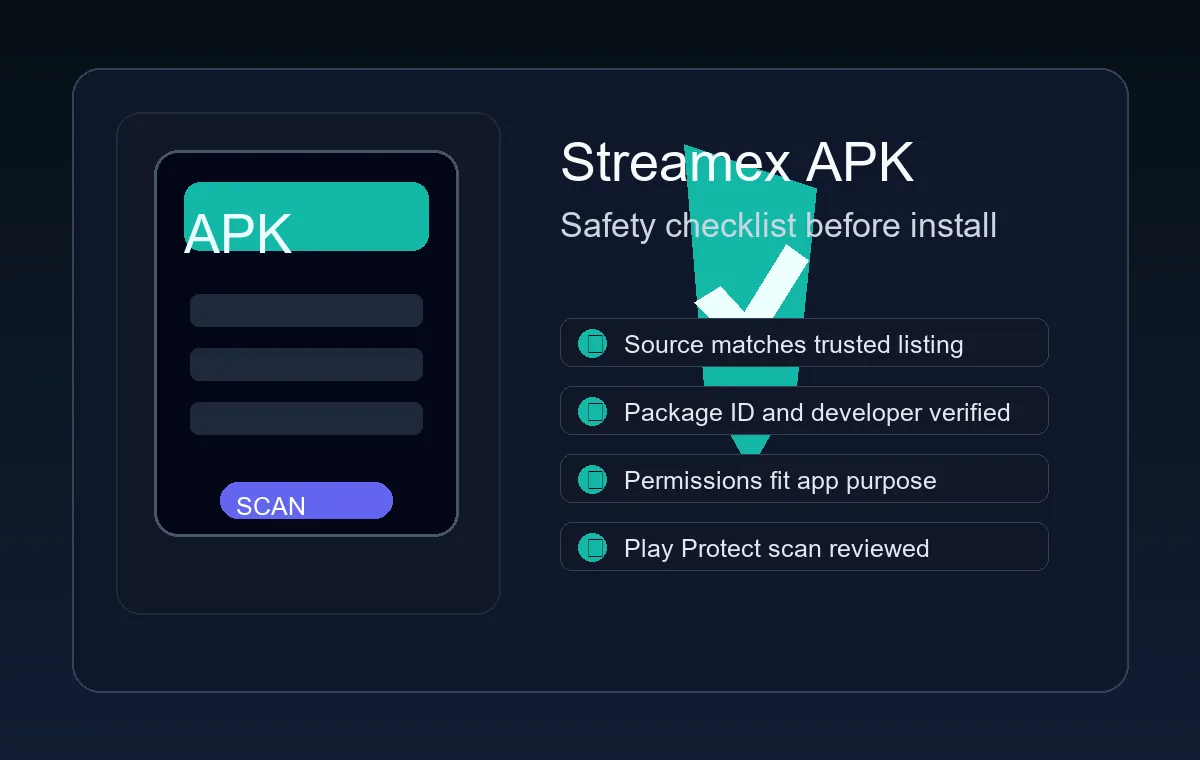
Streamex APK safety checklist before installation
Before you tap install, compare the file against a checklist you can actually observe. The app name alone is not enough. Malicious or misleading APK pages can reuse a popular name, change one character in the package ID, or bundle a downloader that requests permissions unrelated to movie discovery. Your goal is to find mismatches early, before the file runs on your device.
Permissions are especially useful because they reveal whether the file is asking for power that does not fit the job. A movie and TV discovery app may need network access and possibly storage or notification access depending on its feature set. It should not need SMS, contact lists, device admin, accessibility control, or broad account access just to show trailers, watchlists, or app information.
- Match the package ID and developer name against the most reliable listing you can find.
- Compare version number, update date, file size, and required Android version across at least two sources.
- Scan the APK with Play Protect or a trusted mobile security tool before opening it.
- Read the permission prompt and cancel if it asks for SMS, contacts, accessibility, device admin, or payment access without a clear reason.
- Do not install helper APKs, codec packs, or download managers just because a mirror page says they are required.
- Disable the unknown-source permission again after the install attempt.
| Check | Safe signal | Warning sign |
|---|---|---|
| Package identity | Same app ID and developer across trusted sources | Package name is unrelated, misspelled, or hidden until download |
| Permissions | Network and feature-related permissions only | SMS, contacts, admin, accessibility, or unknown overlay permissions |
| Version history | Recent update with consistent size and Android requirement | Version number jumps, file size changes wildly, or update date is missing |
| Page behavior | One clear file route with metadata visible before download | Popups, forced redirects, fake scan badges, or multiple download buttons |
Install workflow
How to install Streamex on Android more safely
If you decide to install from outside Google Play, give install permission only to the app that needs it, such as your browser or file manager. Modern Android versions normally use per-app unknown-source permissions instead of one permanent global switch. That matters because leaving broad install access enabled makes it easier for another download source to put an app on the device later.
After installation, open the app once and check basic behavior. It should start without extra installers, show a recognizable entertainment discovery interface, and work without asking for permissions that do not match the feature you are using. If anything feels wrong, remove the app before trying another file. Installing several APK variants from mirror pages is a common way to make the original problem harder to diagnose.
- Verify the source before download Compare the page metadata, package details, screenshots, version, and Android requirement. Do not use a page that hides the file identity.
- Scan the APK before opening Use Play Protect or another trusted scanner, especially when the file came from outside Google Play.
- Allow unknown-source installs only temporarily Grant permission to the browser or file manager you are using, install the file, then turn that permission off again.
- Review permissions during first launch Cancel the install or uninstall the app if it asks for unrelated sensitive permissions.
- Keep one clean install path Remove failed or suspicious versions before testing another source so version conflicts do not stack up.
Troubleshooting
Common Streamex APK install errors and safer fixes
APK install errors are not always security problems. Sometimes the app requires a newer Android version, a different device architecture, a fresh signature, or a region where the app is available. The safer response is to read the error and verify compatibility before you download another file. Do not solve an install error by installing a random unlocker, patcher, or premium downloader.
If the file installs but the app crashes, check whether you installed a TV-oriented build on a phone, a phone build on an Android TV box, or an app version that expects Google services your device does not have. The correct fix may be to use a store listing, a different device, or the main Streamex download guide rather than forcing one APK onto every Android device.
| Problem | Likely cause | Safer fix |
|---|---|---|
| App not installed | Signature conflict, incompatible Android version, or corrupted file | Remove older copies, verify Android requirement, and download only from a source with clear metadata. |
| Parsing error | Incomplete download or file built for a newer Android release | Redownload once from a trusted source and check required Android version before retrying. |
| Play Protect warning | Unknown, rarely scanned, modified, or risky package | Do not bypass the warning unless you have strong source evidence and understand the risk. |
| App asks for unusual permissions | Possibly modified APK or unrelated app using the Streamex name | Cancel, uninstall, and compare package identity against trusted listings. |
References
Official Android references for safer APK decisions
Use these official Android and Google Play references to understand Play Protect scanning, unknown-source installs, and app safety signals before installing APK files from outside a store.
FAQ
Streamex APK questions
Is Streamex APK safe to use?
A Streamex APK is only as trustworthy as its source and package evidence. Prefer Google Play when available, compare package details, scan the file, and avoid APKs that ask for unrelated sensitive permissions.
Does Streamex.blog host APK files?
No. Streamex.blog is an independent guide. It explains how to verify Android sources and links to public reference pages, but it does not host or certify APK downloads.
Why is Streamex not showing in Google Play?
The listing may be unavailable for your country, device model, Android version, account region, or device category. That does not automatically make a mirror APK safe.
What should I do after installing from an APK?
Turn off the unknown-source permission, review app permissions, keep Play Protect enabled, and remove the app if it crashes, redirects, or asks for permissions that do not fit its purpose.
Should I install a Streamex APK if Google Play does not show the app?
Only after checking the package identity, developer, version, file size, Android requirement, permissions, and scanner results. If the source hides these details or pushes helper installers, skip it.