Anime availability guide
Streamex Anime: What You Can Find and What to Verify
Search results for Streamex anime can point to a website category, a movie-discovery app, or a similarly named store listing. This guide separates those surfaces so you can check identity, availability, subtitles, device support, and safer viewing choices without assuming that every result is the same product.
Quick answer
Does Streamex have anime?
Anime-related Streamex results exist, but the word Streamex does not identify one single catalog or app. A web result may show an Anime category, while the iPhone and Android listings used by this site describe movie and TV discovery, trailers, recommendations, and watchlists. A separate Google Play listing also uses a similar StreameX TV name and an anime-related package ID, but it has a different package and developer. Treat these as separate products until their identities can be verified.
That distinction matters because a category page does not guarantee that a specific series, episode, language track, resolution, or legal viewing right is available in your country. Use Streamex anime searches for discovery, then confirm the exact title and licensed provider through a reputable availability service or the publisher's official regional page. Avoid entering payment details, installing helper APKs, or disabling browser protections just to open a result.
This page focuses on anime intent only. Use the Streamex subtitles guide for caption troubleshooting, the TV guide for television compatibility, the website guide for domain identity, and the APK guide for Android package checks. Keeping those tasks separate reduces keyword overlap and makes the safety advice easier to follow.
Identity first
Separate the Streamex app, website and similar store listings
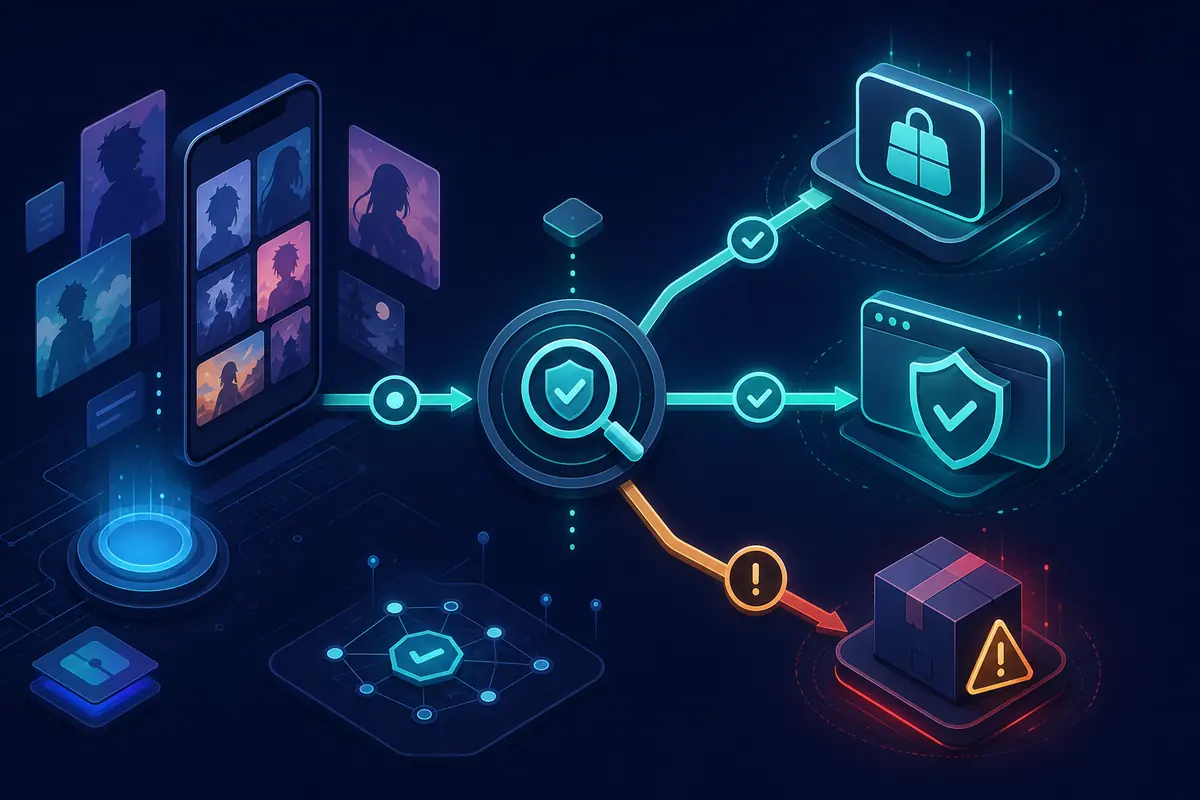
Before you decide whether an anime result is useful, identify the surface you are looking at. The same brand-like spelling can lead to a web catalog, an App Store discovery app, an Android package, or a clone page. Names and screenshots alone are weak evidence. The domain, store URL, package ID, developer, update history, privacy details, and final destination of every button are stronger signals.
The July 30, 2026 freshness check found the same iOS listing at version 3.0 and the existing Google Play package com.streamex.streamexoffecial still accessible. A second Google Play result uses package com.streamexmovie.serie_anime and a different developer. It is not treated here as an update or official replacement. No download button on this page points to an unverified APK file.
| Surface | What it may provide | What to verify |
|---|---|---|
| Website category | Search, title pages or embedded playback links | Domain, redirects, rights, pop-ups and final media host |
| iOS discovery app | Trailers, recommendations and watchlists | App Store ID, developer, version 3.0, privacy and region |
| Android package | App features depend on the exact package | Package ID, developer, Play listing, permissions and updates |
| Similar-name listing | May be a different product entirely | Do not assume it is an upgrade, mirror or official replacement |
Catalog reality
How to check whether an anime title is actually available
Start with the exact title, season, release year and country. Anime licenses often differ by region and can change over time. A search card or poster may be a recommendation, trailer, metadata page, embedded source, or full licensed episode; those are not interchangeable. Open the title details and look for a named provider, episode list, audio languages, subtitle languages, maturity rating and a clear account or subscription requirement.
If the page sends you through multiple domains, opens gambling or notification prompts, requests a browser extension, or asks for a separate video player, stop. Those steps do not prove that the content exists. Search the title on a licensed provider or availability index instead. For new seasonal series, check the publisher or distributor announcement because catalog aggregators can lag behind regional releases.
- Confirm the exact anime title, season and episode rather than relying on a poster.
- Check your country because licensing and subtitles vary by market.
- Distinguish a trailer or metadata page from a full episode stream.
- Prefer a provider named clearly before playback begins.
- Do not install a codec, extension or APK to unlock one title.
Playback planning
Anime on phone, TV and browser: subtitles matter as much as video
On a phone or tablet, verify the exact store package and use the built-in casting or AirPlay control only when it is present. On Android TV or Google TV, a phone APK may install but still lack a TV launcher, remote navigation or stable landscape playback. Samsung Tizen, LG webOS and Roku do not install Android APK files directly, so casting or a licensed native app is usually the cleaner route.
For anime, test subtitle timing, language selection, font size, contrast and whether captions survive casting. A subtitle option shown on the sender device may not be passed to the television receiver. If captions are missing, confirm that the specific episode contains the track before changing device settings or downloading anything.
| Device | Realistic expectation | Safer route |
|---|---|---|
| iPhone or iPad | Discovery, trailers or provider handoff | Use the verified App Store listing and licensed provider apps |
| Android phone or tablet | Depends on the exact Play package | Use Google Play and avoid unrelated APK mirrors |
| Android TV or Google TV | Phone packages may not support remote controls | Prefer TV-ready store apps or cast from a verified source |
| Samsung, LG or Roku | No direct Android APK installation | Use a native licensed app, browser when supported, or casting |
Safety checklist
Use this check before opening or installing an anime result
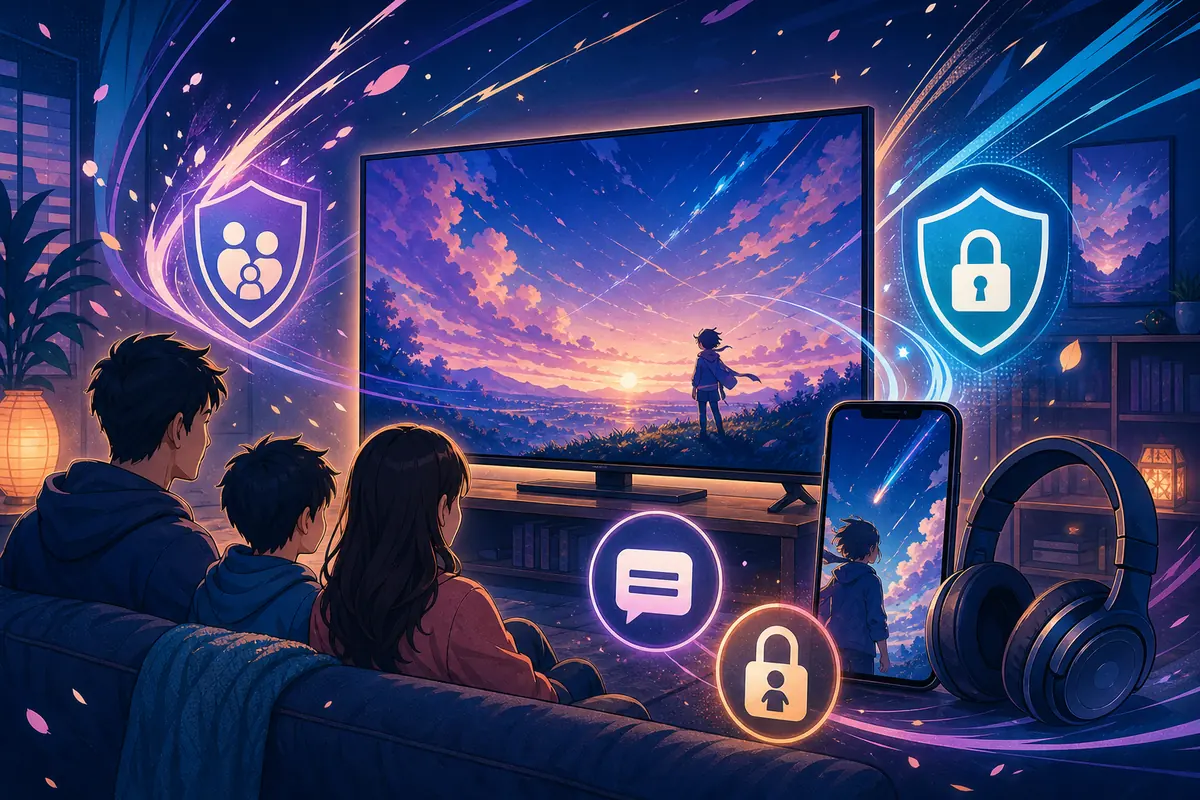
Anime searches can attract clone domains, misleading play buttons and packages that borrow a familiar name. Slow down before you sign in or install. A legitimate-looking poster grid is not proof of source identity, distribution rights or file safety. The practical goal is to reduce the number of unknown parties between your search and the final provider.
For households, also review maturity ratings, profile controls and autoplay behavior on the licensed service. A platform that names its provider, explains its subscription, supports parental controls and offers predictable subtitle settings is usually easier to evaluate than a page that changes domains or asks for extra software.
- Identify the surface Record the domain or store, app name, package ID and developer before continuing.
- Check the title details Confirm season, episode, region, provider, audio, subtitles and whether the page offers only a trailer.
- Reject extra-install prompts Do not install browser extensions, codec packs, notification helpers or unrelated APK files.
- Choose a licensed fallback If identity or rights remain unclear, search a reputable availability index or the publisher's official regional page.
Better fallback
Choose an anime service by title, country and feature
There is no single legal anime catalog that covers every country. Search for the title first, then compare the licensed services available in your market. Crunchyroll focuses on anime in many regions, while Netflix, Hulu, Disney+, Prime Video and regional broadcasters may hold selected series or films. Availability changes, so use their current regional catalogs rather than a generic global list.
Choose based on the feature you actually need: simulcasts, dubbed audio, subtitles, offline downloads, TV apps, parental controls or a specific title. If Streamex is useful only for discovering a name, move to the verified provider for playback and account activity.
- Use JustWatch or a comparable local availability index to find licensed providers.
- Check Crunchyroll and major regional services for current anime catalogs.
- Verify subtitle and dub languages before subscribing.
- Confirm offline-download and TV-device support in the provider's own help pages.
- Keep payment details on the licensed provider, not on redirect pages.
Verified references
Sources checked for this guide
These links establish the current store identities and provide safer ways to verify anime availability. They do not certify unrelated Streamex domains or third-party APK files.
FAQ
Streamex Anime FAQ
Does Streamex have an anime category?
Anime-related website results and similarly named app listings exist, but they do not represent one verified catalog. Confirm the domain, package, developer, title page and licensed provider before assuming an episode is available.
Is Streamex anime the same as the Streamex mobile app?
Not necessarily. The store app used by this site is described as a movie and TV discovery product. A website Anime category or another Android package can be a separate product with different ownership and features.
Can I watch full anime episodes in the Streamex app?
Do not assume full playback from a poster or search result. Check whether the exact page identifies a licensed provider and episode list. The verified iOS listing emphasizes discovery, trailers and watchlists.
Why are Streamex anime subtitles missing?
The selected episode may not include that language, or captions may fail during casting. Check the title's audio and subtitle tracks first, then use the dedicated Streamex subtitles guide for device-specific troubleshooting.
Can I install Streamex anime on a smart TV?
Only Android TV and Google TV devices can potentially use compatible Android packages, and a phone APK may still lack TV controls. Samsung, LG and Roku do not install Android APK files directly. Prefer licensed native TV apps or casting.
Is the com.streamexmovie.serie_anime package an update?
It is a different Google Play package with a different developer from com.streamex.streamexoffecial. This guide does not treat it as an update, official replacement or verified continuation.
What is the safest way to find a specific anime?
Search the exact title and season on a reputable regional availability index, then open the licensed provider directly. Verify subtitle language, account terms, device support and offline features on that provider's own page.