Language settings guide
How to Change Language on Streamex
Streamex does not use one universal language switch. The correct method depends on whether you want to change the app menus, the website guide language, the movie audio track, or subtitles. Use this page to identify the control you actually need before installing anything or changing device settings.
Quick answer
Where the Streamex language setting actually lives
Start by deciding what you want to change. The Streamex app interface may follow the phone or app build, while spoken audio and subtitles are controlled by the selected title or player. Streamex.blog has its own language switcher and does not change the third-party app.
The current Apple listing names English as the app language. That means changing the iPhone system language may not create a translated Streamex interface when the app itself does not include that localization.
App menus
Change the Streamex app interface language
On iPhone, open Settings, find Streamex, and look for a Preferred Language option. If that option is absent, the installed version does not expose a separate iOS language choice. You can also review Settings > General > Language & Region, but the app can still remain in English.
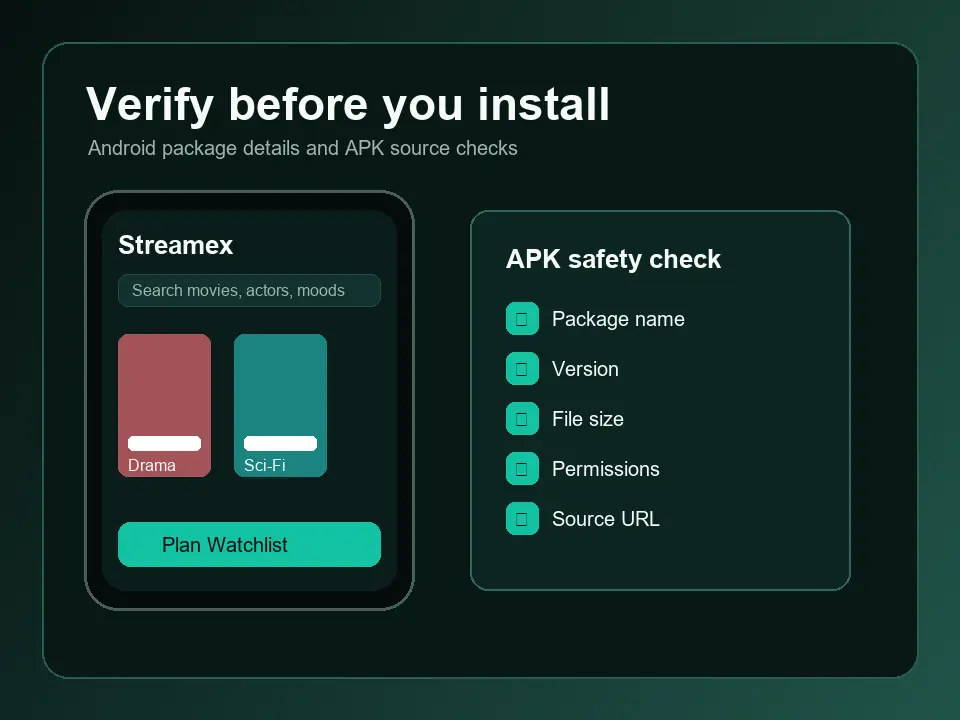
On Android, open Settings > Apps > Streamex > Language on supported Android versions. Older devices normally make the app follow the system language. If no language menu appears, do not install a modified APK that promises translation; verify the Google Play package and wait for an official localization.
Playback language
Audio tracks and subtitles are separate controls
Changing the interface does not change a film's dialogue. Start playback, tap the player controls, and look for Audio, CC, Subtitles, a speech-bubble icon, or a settings gear. Available languages depend on the source and title, so a missing track cannot be created by changing the phone language.
If the subtitle button is missing, reopen the title, test another title, disable casting temporarily, and use the dedicated subtitle troubleshooting guide. Avoid subtitle APKs, browser extensions, and files promoted by pop-up pages.
Website language
Switch the language on Streamex.blog
Use the language selector in this site's header to open the matching localized guide. Each language has its own URL, canonical tag and hreflang mapping. This setting changes only the independent guide you are reading; it does not control Streamex.net, Streamex.sh, the App Store app, or a video player's audio.
Troubleshooting
What to do when the language option is missing
Update from the same verified store, restart the app, confirm the device language, and test a second title. On a TV or cast session, disconnect casting and check the phone player first because receiver devices may hide track controls.
Stop if a page asks you to install a language pack APK, configuration profile, browser extension, or remote-control app. Those are not normal language settings and can create privacy or security risk.
Language settings guide
What to do when the language option is missing
Update from the same verified store, restart the app, confirm the device language, and test a second title. On a TV or cast session, disconnect casting and check the phone player first because receiver devices may hide track controls. 2026-07-22; iOS 3.0, 42.8 MB; Android: com.streamex.streamexoffecial.
FAQ
How to Change Language on Streamex FAQ
Can I make the Streamex app display Spanish, French, German or another language?
Only if the installed app build includes that localization. The current iOS listing identifies English, so a device-language change may not translate the menus.
Why did the menus change but the movie audio did not?
Interface language and media audio are separate. Select an available audio track inside the player.
How do I turn on subtitles?
Open the player controls and look for CC, Subtitles, a speech bubble or settings. Availability depends on the title and source.
Does the language selector on Streamex.blog change the app?
No. It changes only this independent guide's language and URL.
Should I download a Streamex language pack APK?
No. Use official store updates and built-in device or player settings; avoid modified language-pack downloads.