Reviews, complaints, and source identity
Streamex Reviews and Complaints: What the Evidence Really Shows
Search results combine an iPhone movie-discovery app, Android package pages, streaming domains, and community posts under the same name. This guide separates those entities, explains what a review can prove, and gives you a safer way to check a complaint before downloading, signing in, or watching.
Quick verdict
Streamex reviews are not one single verdict
The safest short answer is that Streamex reviews and complaints need an identity check before they can be interpreted. A review about the iPhone movie-discovery app may describe trailers, watchlists, search results, or store behavior. A complaint about Streamex.net or Streamex.sh may describe a web player, redirects, a different catalog, or a different operator. An Android package page may also refer to a separate build. Treating every result as one product creates false reassurance and unfair accusations at the same time.
The first-party evidence checked for this guide is the public Apple App Store listing for Streamex - Watch Movies & TV. It is useful for confirming an app name, an iPhone listing, a version shown on that listing, and the type of product being described. It does not certify every web domain, every Android package, every title linked from the app, or every comment found on Reddit, Trustpilot, or another community site. A review can be a lead; it is not automatically a technical test, a malware scan, a legal ruling, or proof that an unrelated page is official.
That distinction also explains why the article avoids a simple safe or unsafe label. A visitor needs to know what was reviewed, where the claim came from, when it was written, and whether the same identity appears in the package name, developer, domain, screenshot, permissions, and download path. If those fields conflict, the conflict is itself important evidence.
Entity check
Which Streamex product or domain is being reviewed?
Before you count stars or repeat a complaint, write down the exact entity named in the source. The App Store listing, the Android package page, a streaming domain, an APK index, and an independent guide are different evidence objects. Similar names can be connected, but the name alone is not enough to merge them. This is especially important when a review says that the app is missing, a site redirects, or an APK is unavailable, because the experience may belong to a region, a historical listing, or a separate package.
Use the table as a quick separation tool. It does not rank the products; it tells you which questions belong together. The page at Streamex.blog is an independent guide and is not the developer, publisher, or owner of any third-party store listing or streaming domain.
| Evidence object | What it can tell you | What it cannot prove |
|---|---|---|
| Apple App Store listing | App name, iPhone distribution, visible version and store metadata | That every Streamex website or stream is the same service |
| Google Play package page | Whether a specific package page can be found and what metadata it exposes | That a similarly named package is the same app or a current stable APK |
| Streamex.net or Streamex.sh | What a particular domain displays and how its redirects or players behave | That the domain is operated by the app developer or has rights to every title |
| Reddit, Trustpilot, or forum post | A dated user lead about an experience worth checking | A complete sample, a safety certification, or a universal verdict |
| Streamex.blog guide | A method for comparing sources and stopping when evidence conflicts | Official ownership, legal certification, or a guarantee about third-party files |
First-party evidence
What official store evidence says, and what it leaves open
The Apple listing is the cleanest first-party reference available for the iPhone app because it is a store page with a named product, version history, compatibility information, privacy labels, ratings, and user reviews. Use those fields to confirm whether a review is talking about the same listing. If a review mentions a package name, Android permission, TV sideload, or web domain, it may be describing a different object and should not be attached to the iPhone listing without additional evidence.
The exact Android package used in older site notes could not be verified from a live first-party page during the August 22, 2026 check. A separate Google Play result for another Streamex package is not enough to merge the two packages. For that reason, this article does not claim a latest Android version, a stable direct APK, a verified file size, or a universal official download path. When a store page is unavailable or the package identity is unclear, the correct review conclusion is limited: the source needs rechecking.
Store evidence is still valuable, but it answers a narrower question than many searchers expect. It can support product identity and distribution evidence. It cannot by itself prove that every linked movie is licensed in every country, that every mirror is safe, or that a complaint about a web page applies to the store app. Keep product identity, technical safety, content rights, and user experience as separate columns in your notes.
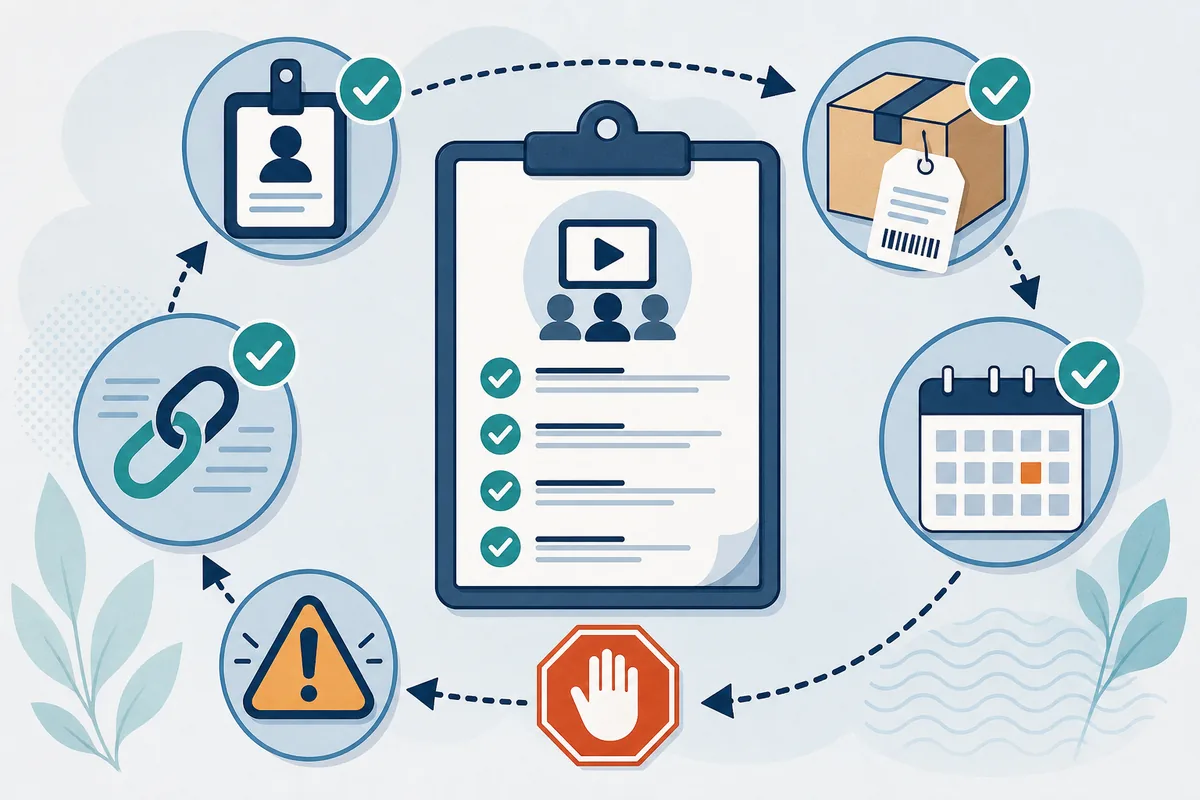
- Name the exact source Record the app store, domain, package, or community page instead of writing only Streamex.
- Check the date Availability, version metadata, redirects, and store pages can change after a complaint was posted.
- Compare identifiers Match developer, package name, domain, screenshots, permissions, and intended function.
- Keep the claim narrow Use a complaint to investigate one behavior, not to make a universal safety or legal ruling.
Common patterns
How to read complaints without overgeneralizing
Searches for complaints often cluster around a few practical problems. Users may say that a listing disappeared, a page will not load, a player buffers, subtitles are missing, advertisements redirect them, an APK does not install, or the catalog does not match what they expected. Each complaint can be real for the person who reported it while still being limited to one device, country, source, time period, or product identity. A useful review guide describes the pattern and the verification step instead of amplifying the strongest wording.
Availability complaints need a date and region. A missing Google Play result may be a removed listing, a country restriction, a package mismatch, or a temporary fetch failure. Redirect complaints need the exact domain and the final destination. Installation complaints need the file name, package, Android requirement, permissions, and source. Content complaints need the title, provider, country, and whether the app is a discovery tool rather than a full playback service. Without those details, the complaint should remain a lead rather than a conclusion.
Community posts are particularly useful for finding repeated friction, but they are not controlled tests. Look for multiple independent reports, specific dates, screenshots that reveal the same identity, and a response from a primary source when available. Do not copy a user name, private information, or an unverified accusation into a page as if it were a confirmed fact.
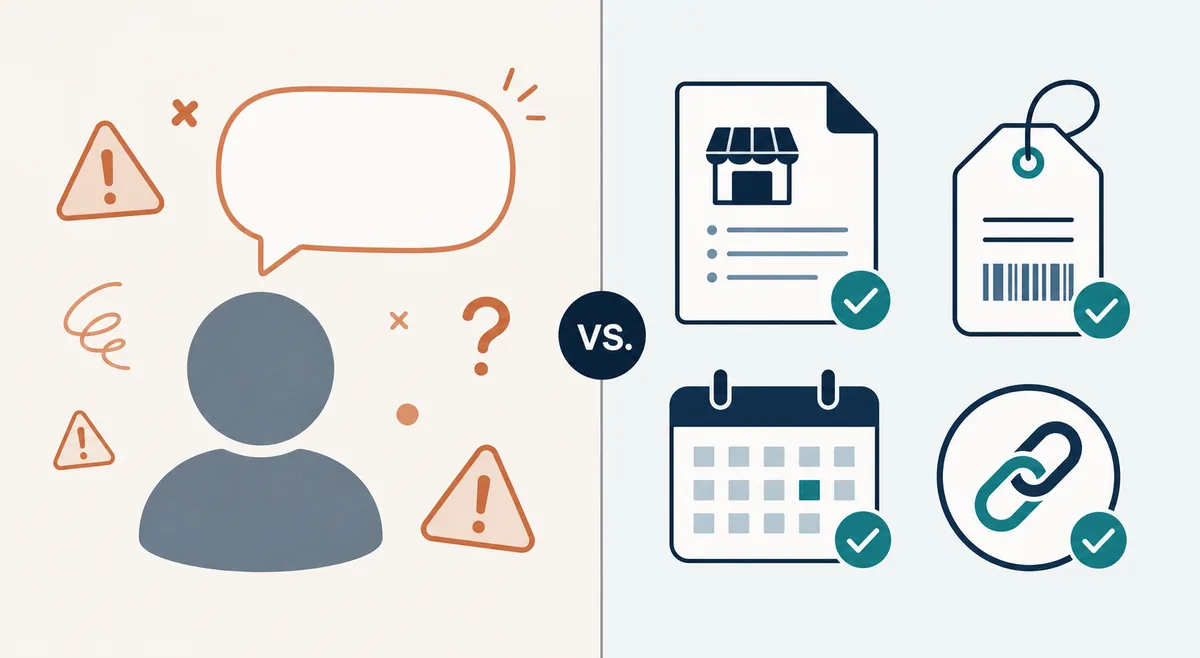
- Missing listing: recheck the exact package, country, date, and store URL before calling the app discontinued.
- Redirects or gambling ads: record the domain and destination, then close the page instead of installing a supposed fix.
- APK failure: compare package name, file size, permissions, Android requirement, signature or hash when available, and source reputation.
- Playback or catalog mismatch: separate movie discovery, trailers, watchlists, and full licensed playback before judging the app.
- Privacy complaint: check the store privacy label, requested permissions, account flow, and whether the complaint concerns a different website.
- Mixed ratings: compare the review date and product identity; a high rating and a serious complaint can both be genuine in different contexts.
Practical checklist
A repeatable way to verify Streamex reviews and complaints
Use a small evidence log instead of relying on memory. Copy the exact URL, record the date you checked it, and write the claim in one sentence. Then add a second line for what would confirm or disprove it. For example, a complaint that an Android app is unavailable should be checked against the exact package page and the current store response; it should not be answered with a random mirror link. A complaint that a website is unsafe should be separated into redirect behavior, download behavior, permissions, and identity rather than treated as one vague label.
The goal is not to make every source look positive. The goal is to make uncertainty visible so a reader can choose the lower-risk next step. If the official store is available, use it. If the official page is unavailable, do not fill the gap with an invented direct file. If the evidence is mixed, stop the install or sign-in until the product, source, and requested permissions line up. This approach also keeps a community report useful without presenting it as a definitive technical audit.
For readers comparing alternatives, the same checklist applies to the replacement service. A familiar brand name, a polished screenshot, or a high search ranking is not a substitute for a matching operator, a normal source, clear permissions, and a provider that explains what it offers.
- Capture the claim Save the exact page, domain, package name, date, and wording that triggered your concern.
- Find a primary check Prefer the App Store, Google Play, official release note, or clearly named operator over a copied index.
- Compare behavior Check redirects, permissions, file identity, compatibility, account requests, and expected app function.
- Decide conservatively Use a verified store or licensed provider, or stop when the evidence still conflicts.
Safety boundary
When a complaint should make you stop
A review page should not pressure you to continue. Stop when the source hides the developer, changes the package name, adds several unrelated download buttons, asks you to disable browser or Android protections, requests an unexpected helper installer, or sends you through unrelated betting, notification, or credential pages. A complaint about one of these behaviors is a useful warning even before you know whether the underlying app is legitimate, because the immediate action is within your control: do not proceed.
Do not use a review as a reason to bypass a security warning or to install a second APK that promises to repair the first. Do not share passwords, payment details, contacts, SMS access, accessibility access, or device administrator access with a source that has not established a clear identity. If the title you want is not available, use a licensed service or the official store route for your device and country instead of chasing a mirror.
This page is an independent guide, not a review platform and not a certification service. It reports the limits of the available evidence, links to primary or clearly labeled community sources, and keeps the conclusion narrow. That is the most honest way to handle Streamex reviews and complaints when several similarly named products appear in search results.
- The page cannot tell you who operates it or which exact package you are receiving.
- The complaint is answered with urgency, fake update language, or a demand to bypass a browser or device warning.
- The download button leads to a helper file, extension, notification prompt, or a different product.
- The app name, developer, screenshots, permissions, package, and file size do not match across sources.
- The source promises every premium movie or sports event without explaining the catalog, provider, or rights.
- The only evidence is an undated repost or a single review that cannot be tied to the same product identity.
Sources and limitations
Primary and community sources used
Checked on August 22, 2026. These links help compare app identity, public store evidence, and user-report context. They do not certify every Streamex domain, package, stream, or review.
FAQ
Streamex Reviews and Complaints FAQ
Are Streamex reviews about one app or several products?
They can describe several products. Search results use the Streamex name for an iPhone movie-discovery listing, Android package pages, streaming domains, APK indexes, and community posts. Always record the exact app, package, domain, and date before comparing reviews.
Is Streamex safe based on reviews alone?
No. Reviews can reveal repeated user friction or warning signs, but they do not replace a source-identity check, permission review, package comparison, malware analysis, or legal assessment. Treat them as leads and keep the conclusion narrow.
Does an App Store listing prove every Streamex website is official?
No. The App Store listing is evidence about that specific store product. It does not prove that Streamex.net, Streamex.sh, an APK mirror, or a third-party player is operated by the same developer.
Why do Streamex complaints mention different versions or packages?
Different packages, regions, mirrors, historical listings, and similarly named products can be mixed together. Compare the exact package identifier, developer, date, file size, permissions, and store URL instead of combining them into one version history.
Should I download a replacement APK because a review says Streamex is unavailable?
No. Recheck the official store route first. If the package cannot be verified, do not invent a direct APK link or use a random mirror as a repair. Use the APK guide for stop conditions and choose a clearly identified source.
Can a Reddit or Trustpilot complaint prove that Streamex is illegal or contains malware?
No. A community report may be useful evidence of one user's experience, but it is not a complete legal ruling or technical security test. Verify the product identity, date, behavior, and primary-source information before drawing a broader conclusion.