Roku compatibility guide
Streamex on Roku: What Works and What Does Not
There is no verified Streamex Roku Channel Store listing in our July 23, 2026 check. Roku also cannot install an Android APK. The realistic options are to search the Roku Channel Store, use supported screen mirroring from a phone or computer, or switch to an Android TV, Google TV, Fire TV, or HDMI device that supports the app you verified.
Quick answer
Can you install Streamex on Roku?
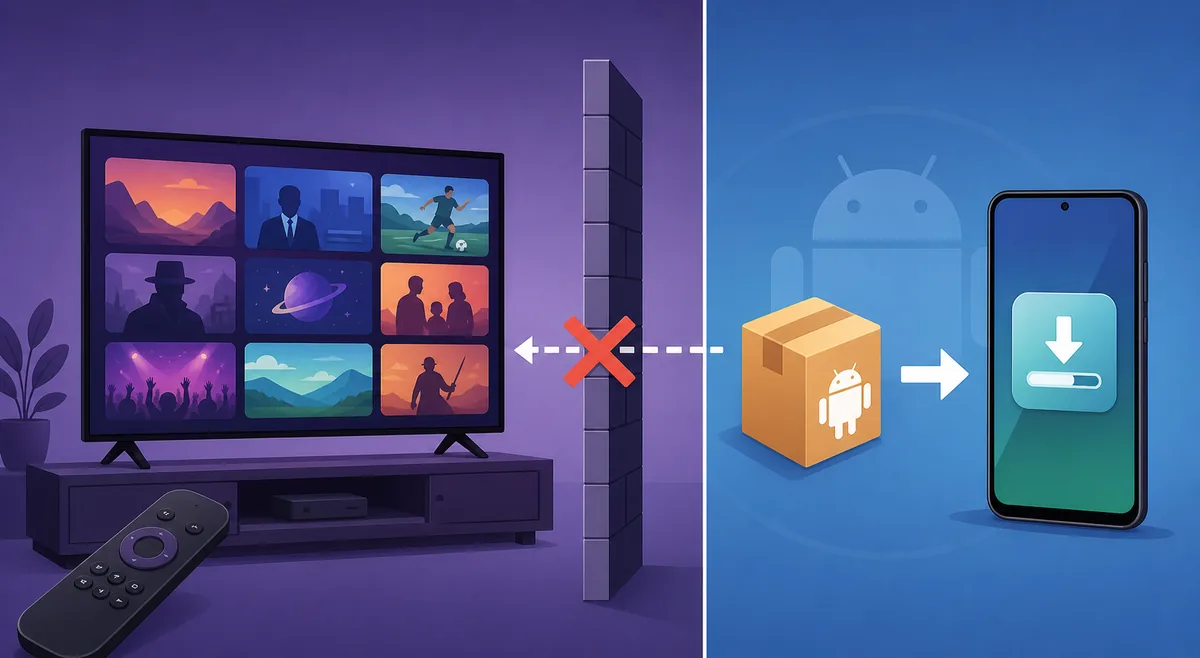
Not as an Android APK. Roku devices run Roku OS and install channels from the Roku Channel Store, while Streamex download pages commonly point to iPhone or Android app listings. An APK file is built for Android and will not become a Roku channel by changing the filename, copying it to USB, or entering a Downloader code.
Start by searching the Roku Channel Store on your device and in Roku's web catalog. Check the channel name, developer, privacy details, screenshots, and support URL before adding anything. Our July 23, 2026 check did not find a verified Streamex channel, so a page that promises a direct Roku APK should be treated as misleading unless it links to a real Roku listing.
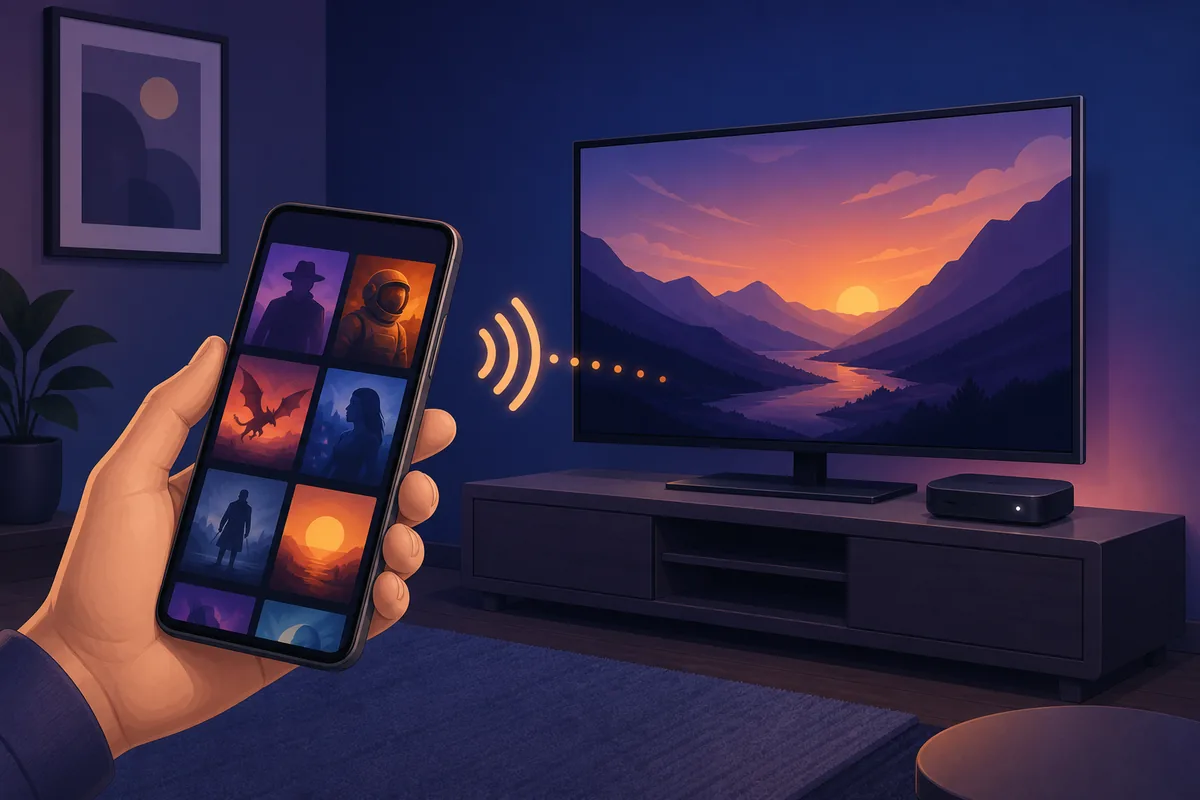
If no native channel exists, mirroring may work for compatible content displayed on your own phone or computer. Mirroring does not install Streamex on Roku; it only sends or duplicates the screen. Some video apps block mirroring, show a black screen, omit audio, or stop playback because of DRM and app-level restrictions.
| Method | Works on Roku? | What to expect |
|---|---|---|
| Roku Channel Store listing | Yes, if a verified channel exists | Native remote control and normal Roku updates |
| Android APK or Downloader code | No | Roku OS cannot install Android packages |
| Android screen mirroring | Sometimes | Phone screen appears on TV; app restrictions may block video |
| AirPlay from iPhone or Mac | Sometimes | Requires a compatible Roku model, enabled AirPlay, and supported media |
| HDMI or another streaming device | Usually the most predictable | Use a platform that officially supports the verified app |
Platform difference
Why Streamex APK files do not work on Roku
Roku is not an Android TV box. Its channels are packaged, reviewed, distributed, and updated through Roku's own ecosystem. Android APK files use a different operating system, app framework, permission model, signing process, launcher, and input design. That is why an APK that works on an Android phone or Fire TV cannot be installed directly on Roku.
Avoid tutorials that ask you to enable unknown sources, enter a numerical Downloader code, or download a modified APK for Roku. Those steps belong to Android-based devices and do not create a Roku channel. They can also expose you to unrelated files, fake download buttons, aggressive redirects, and packages whose developer or signature cannot be verified.
A legitimate Roku route should lead to a Roku Channel Store page or to Roku's documented developer and device workflow. If the final destination is an APK mirror, ZIP archive, shortened link, or generic file host, it is not evidence of Roku compatibility.
- Use the Roku Channel Store as the source of truth for a native Roku channel.
- Do not rename APK files or copy them to USB expecting Roku to install them.
- Do not confuse Roku screen mirroring with a native installed channel.
- Use same-device and same-developer evidence when comparing app listings.
Practical fallback
How to screen mirror Streamex to Roku
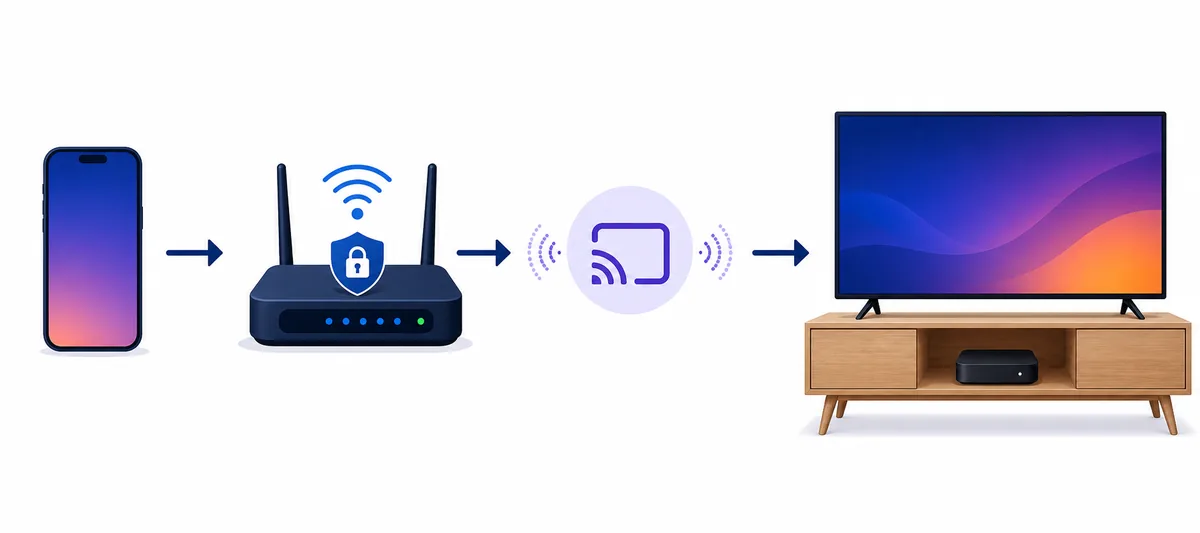
Mirroring is the most realistic Roku fallback when the app or web content allows it. Keep the phone or computer and Roku on the same trusted Wi-Fi network, update both devices, and enable the relevant mirroring or AirPlay setting on Roku. The exact menu name varies by Roku model and software version.
Before starting, open the content on the smaller screen and confirm it plays normally. Then begin screen mirroring from Android or Windows, or use AirPlay from a supported iPhone, iPad, or Mac. Accept the connection prompt on the Roku display if one appears. Keep the sending device awake and nearby because it remains responsible for playback and controls.
If only the interface mirrors but the video area turns black, the likely cause is protected playback rather than Wi-Fi. Do not install unknown mirroring helper APKs or disable device security to bypass that restriction. Use a supported app, browser, or streaming device instead.
- Check the source first Use the verified iPhone or Android listing linked below and confirm the app name, developer, version, update date, and device compatibility.
- Use one trusted network Connect Roku and the sending phone or computer to the same home Wi-Fi. Guest networks and client isolation can prevent device discovery.
- Enable Roku mirroring or AirPlay Open Roku settings and enable the feature supported by your model. Use prompt mode when available so unknown devices cannot connect silently.
- Start playback before mirroring Confirm the content plays locally, then start mirroring. If protected video fails, stop rather than adding unknown helper software.
- Choose a compatible device when needed For reliable remote navigation and updates, use Android TV, Google TV, Fire TV, Apple TV, or HDMI playback only when the verified app supports that platform.
Troubleshooting
Why Streamex mirroring to Roku may fail
Most failures come from network separation, unsupported Roku hardware, disabled AirPlay or mirroring, old system software, app restrictions, or protected video. Restarting both devices and the router can fix discovery issues, but it will not bypass DRM or turn an Android APK into a Roku app.
Test the connection with a personal photo or an unprotected browser page. If that mirrors correctly but the video does not, the network path is probably working and the content source is restricting playback. If nothing can mirror, review the network, device permissions, and Roku settings before changing the app.
For shared or hotel Wi-Fi, device discovery is often blocked. A travel router or direct HDMI connection may be more reliable, but follow the venue's rules and never enter sensitive account credentials on a screen or network you do not trust.
| Symptom | Likely cause | Safer next step |
|---|---|---|
| Roku does not appear | Different networks, guest Wi-Fi, or mirroring disabled | Use the same private network and review Roku settings |
| Video is black but menus appear | DRM or app-level casting restriction | Use an officially supported playback route |
| Audio plays without video | Codec, DRM, or mirroring limitation | Try supported AirPlay/casting or HDMI |
| Connection drops | Weak Wi-Fi, battery saving, or device sleep | Move closer, disable temporary power saving, and keep the sender awake |
| A site offers a Roku APK | Misleading Android download claim | Leave the site and search the Roku Channel Store |
Freshness check
Verified Streamex sources checked on July 23, 2026
This site is a download and installation guide, so version freshness was checked before publishing this Roku page. The current iPhone listing is Streamex - Watch Movies & TV, version 3.0, released May 7, 2026, 42.8 MB, requiring iOS 13.0 or later. An Android metadata reference for package com.streamex.streamexoffecial reports version 7.0 at about 16.47 MB, updated March 21, 2026. The Google Play page did not respond during the August 11, 2026 check, so no stable direct APK link is claimed and no newer verified version was confirmed.
Neither mobile listing proves Roku support. Every download CTA on this page uses an official store or support page fallback; there is no APK, ZIP, or installer direct-link claim. We also checked the Roku Channel Store and Roku support documentation and did not find a verified native Streamex Roku channel.
App names can be reused by unrelated developers. Always compare developer, package or bundle identifier, update history, privacy details, and screenshots. Do not treat the Streamex name alone as proof that two listings are the same product.
- iPhone source: App Store page for bundle com.lijo.cinemasti, version 3.0.
- Android source: Google Play page for package com.streamex.streamexoffecial, with no stable direct APK link claimed.
- Roku source: Roku Channel Store and official screen-mirroring guidance.
- Media check: official mobile listings, Roku support, store pages, and existing site assets were reviewed; no verifiable Streamex-on-Roku screenshot was available, so the three WebP visuals are labeled editorial illustrations.
Official references
Roku, Apple, and Google sources
These links verify platform rules and current store listings. They do not certify a third-party Roku channel or APK mirror.
FAQ
Streamex Roku FAQ
Is Streamex available in the Roku Channel Store?
Our July 23, 2026 check did not find a verified native Streamex Roku channel. Search the official Channel Store again because availability can change by country and time.
Can I install a Streamex APK on Roku?
No. APK files are Android packages, while Roku uses Roku OS channels. Renaming the file, copying it to USB, or using a Downloader code does not make it compatible.
Can I cast Streamex from Android to Roku?
Screen mirroring may work if the Roku model, network, phone, and content source allow it. Protected video can still show a black screen or block audio and playback.
Can I AirPlay Streamex from iPhone to Roku?
Possibly, if the Roku model supports AirPlay, AirPlay is enabled, both devices share a network, and the app or media allows external playback.
What is the best device for Streamex if Roku does not work?
Use the platform named by the verified store listing. For Android packages, an Android phone, tablet, Android TV, Google TV, or compatible Fire TV setup is generally more realistic than Roku, but compatibility still needs to be checked.